AI detector vs. AI humanizer: the short answer
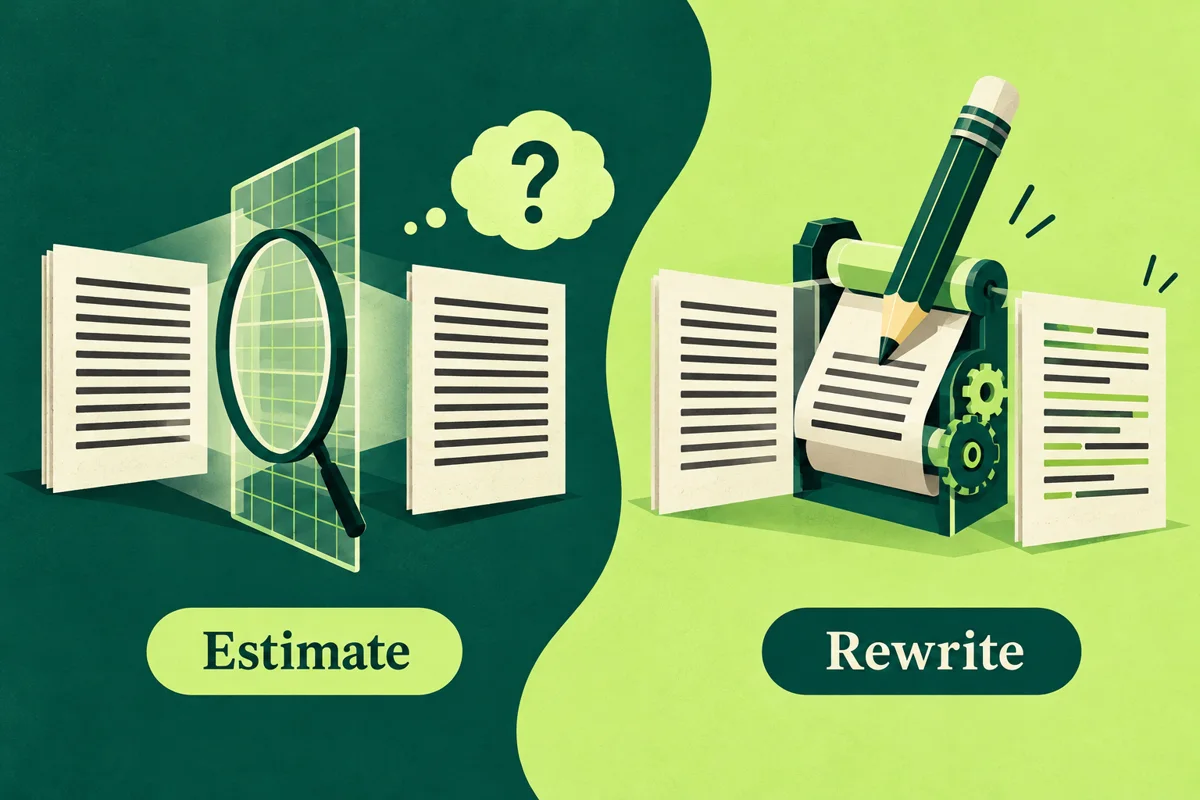
An AI detector estimates whether a text resembles patterns associated with AI-generated writing. An AI humanizer changes the text, usually by rewriting wording, tone, or sentence flow. One estimates; the other edits. They solve different problems, and neither can prove who wrote a passage.
Microsoft's overview describes detectors as checking for machine-generated text and humanizers as revising tone, flow, and word choice. That is a description of intended tool categories, not evidence that either tool is accurate or that using them together verifies authorship. (Microsoft's overview)
The distinction is easiest to see in the output. A detector gives you information about the version you submitted. A humanizer gives you another version to evaluate. Decide which of those you need before uploading a draft or paying for a tool.
Scroll the table to compare all columns.
| Tool | Output | Your next check |
|---|---|---|
| AI detector | Estimate; possible highlights | Definition and eligible text |
| AI humanizer | Revised wording | Meaning and source support |
Treat these as category descriptions. Features differ by product, account and interface; a label such as “humanizer” does not by itself tell you which settings, input limits or review features a particular service offers.
What an AI detector can tell you
A detector returns a model estimate based on the text it receives. Tools can show different kinds of scores: a confidence estimate, a share of eligible text, or a label with highlighted passages. Those values are not automatically on the same scale. Turnitin defines its AI percentage over qualifying prose identified as potentially AI-generated, including AI-generated text subsequently modified with AI tools. It warns that its model may misidentify text and should not be the sole basis for an adverse decision. (Turnitin's AI Writing Report guidance)
Use a detector result as a reason to review the writing, not as an authorship verdict. If a result matters for a class or workplace, follow the applicable policy and ask how the report will be reviewed.
Write down what you want to learn from a check. “What does this tool estimate for this draft?” is a different question from “Does my source support this sentence?” For the latter, reopen the source and use the citation-verification checklist. An AI estimate is not a substitute for that evidence check.
What an AI humanizer can do
An AI humanizer is a tool that returns a rewritten version of text. Depending on the product, it may adjust phrasing, tone, rhythm or sentence structure. Review whether the suggested wording is clearer or less repetitive; do not assume every change is an improvement. Read every edit and check claims, numbers and sources against the original.
Use a concrete editing goal. For example: Make this paragraph easier to follow while preserving its claim, names, numbers, qualifications and citations. This is an original editing brief, not a tested prompt or a guarantee that a service will follow it. The meaning-preservation guide shows a full passage audit when you are ready to review a candidate rewrite.
If the argument itself is unclear or lacks evidence, fix that problem before polishing the sentences. A fluent rewrite does not provide the missing research. You can also edit manually; the category name does not make an automated tool necessary for the task.
A rewrite is not a detector-calibration step. It does not prove a text is human-written, establish who wrote it, or show that a particular use of AI follows a class or workplace rule. A lower score from a second scan only describes how that detector assessed the new version; it does not prove authorship or policy compliance.
Can you use both tools together?
You can use both in a writing workflow, but keep their jobs separate. A detector can give an estimate about a particular version. A humanizer can create a new version. If you compare results, keep the original text, use the same detector settings where possible, and note the exact tool and date. Since the text has changed, a before-and-after score is not a controlled test of detector accuracy.
Research benchmarks also show why a score should not be treated as a universal measure. The ACL 2024 RAID benchmark evaluated detectors across multiple generators, domains, and test conditions; it does not rank every current commercial product or establish how a particular institution will evaluate a student's work. (ACL 2024 RAID paper)
Checking and rewriting do different jobs.
- AI detectorRead an estimate
Review the score definition and any highlighted passages.
- AI humanizerReview suggested wording
Compare the rewrite with your original for meaning, evidence and attribution.
Choose the task before choosing a tool
These are original planning situations, not accounts of real users or product results. Identify the output that would help, then check whether the method is permitted for your document.
Scroll the table to compare all columns.
| Your task | First step | Useful output |
|---|---|---|
| Understand a text estimate | Read detector requirements | Result tied to that draft |
| Improve wording | Edit manually or use a rewriter | Candidate wording to review |
| Check a factual claim | Reopen its source | Evidence for the claim |
| Respond to a policy concern | Read rules; ask the instructor | Relevant records and context |
If you need matching passages and their sources, that is a separate similarity-checking task. Our AI detector versus plagiarism-checker guide explains which evidence each report provides. A rewrite and an AI estimate do not replace a source-matching report.
A workflow with a clear stopping point
The workflow below is an editorial method for choosing and reviewing outputs. It is not a detector benchmark or a sequence for obtaining a particular score. A useful endpoint is a draft whose wording and evidence you can explain.
- Check permission and material. Confirm what the assignment or workplace allows and whether the draft is appropriate to upload. Use the essay-privacy checklist when data handling is unclear.
- Name the task. Decide whether you need an estimate, a wording revision, source evidence or policy clarification. You do not need to run both tools simply because they appear in the same app.
- Preserve the starting version. Save the draft before a check or rewrite. If you request an estimate, record which version was submitted and how that tool defines its result.
- Review a candidate revision. If rewriting is permitted and useful, compare the output with your original. Accept, reject or edit changes after checking the meaning and supporting sources.
- Keep the reviewed version and your decisions. Record deliberate corrections and any required disclosure. Do not treat repeated scanning as a way to certify authorship or course compliance.
For example, a writer may decide that the actual need is to shorten a repetitive paragraph. The useful output is a reviewed revision, not another estimate. Another writer may need to understand a report already supplied by an instructor; rewriting the disputed passage would not explain what the original report assessed. These are task distinctions, not claims that either situation always requires software.
Keep the checked and rewritten versions distinct
Use a record like this when you use either tool. The fields are a blank template, not a real scan history or verified evidence of authorship.
Scroll the table to compare all columns.
| Record | What to save |
|---|---|
| Starting draft | The version before the action |
| Action and purpose | Check or rewrite; intended task |
| Tool and context | Product, feature, date, settings |
| Text assessed | Exact version sent for checking |
| Candidate revision | Returned wording before review |
| Reviewed revision | Changes you chose to keep |
| Supporting record | Source checks; required disclosure |
If a result was produced for the starting draft, keep it with that draft. Do not attach it to a later revision as though the unchanged result describes the new text. If comparing outputs from different versions, label the text change rather than describing the difference as proof that a detector became more accurate.
Our draft and version-history guide explains how to organise the underlying files. This guide's record is about the handoff between checking and editing; it does not replace source verification or the institution's own process.
Which tool should you choose?
Choose a detector when the task is understanding that detector's estimate for eligible text. Choose manual editing or a rewriting tool when the task is improving wording and the method is allowed. For a source, factual or policy question, gather the evidence that answers that question instead of substituting another tool output.
If your work is for a class, read the syllabus and assignment instructions before using a detector or rewriting tool. Maricopa Community Colleges advises students to check course-specific rules, disclose AI use when required, and keep drafts and notes. (Student academic-integrity guidance)
HumanWords offers an AI-writing estimate and a separate rewrite for review. Its homepage offers a short rewrite preview without an account; that preview is a humanization flow, not an anonymous AI detection result. Choose the action that fits your task and review the resulting text or estimate in context. Neither output establishes authorship or policy compliance.