Is it safe to upload an essay to an AI detector?
There is no universal yes or no. It depends on the detector's privacy terms, how the tool is provided, and the rules that apply to your assignment. A free check is not automatically anonymous, private, or approved by your school.
Make two decisions separately: may this material be shared with this service, and would its result help with the task? Wanting reassurance from a detector does not settle the sharing question. If you cannot establish permission or applicable data handling, keep the draft out of the tool while you ask.
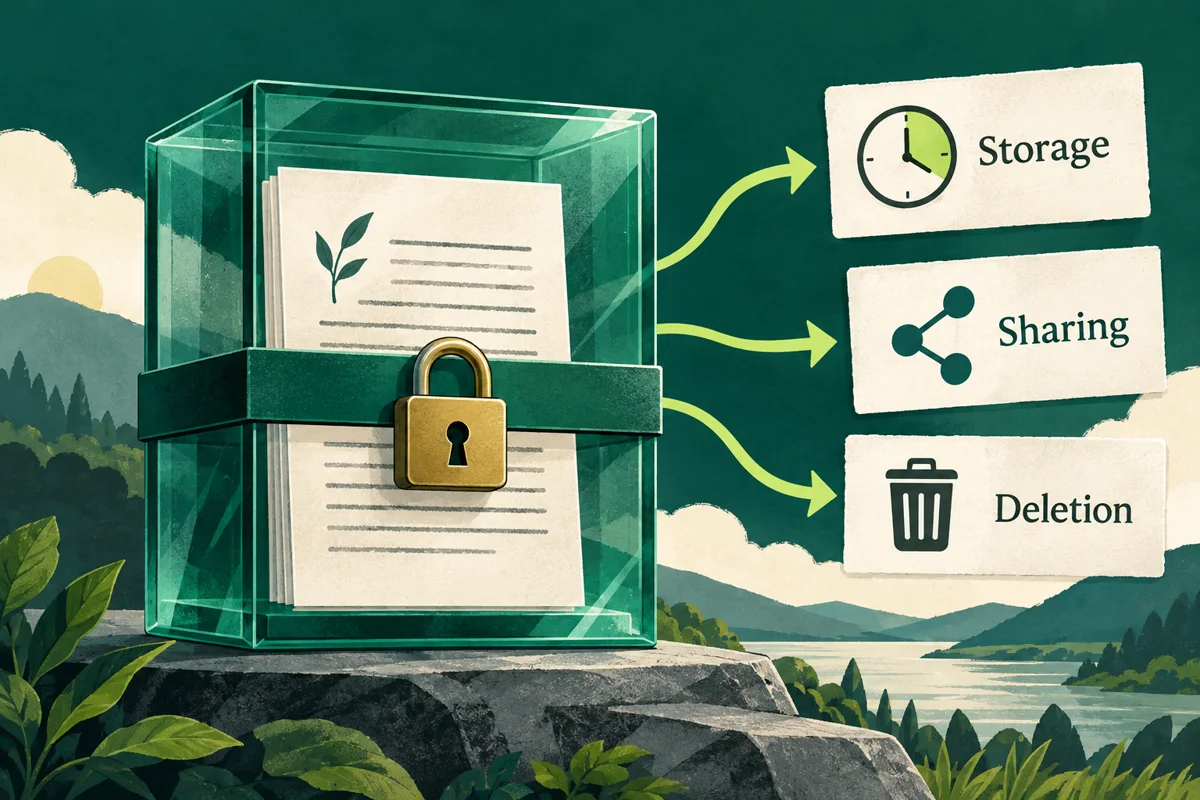
Before you paste an essay, read the privacy policy and terms that apply to the exact service, account and feature you plan to use. Look for five details:
- What text and account details are collected? Check whether the service receives only the submitted passage or also account, device, or usage information.
- Why is the text processed? Look for whether the writing is used to return a result, improve a product, train models, advertise, or support another purpose.
- How long is it retained? Distinguish a temporary request from a saved draft, account history, logs, and backups.
- Who else may process it? Check for hosting, model, analytics, email, or other service providers and what they receive.
- Can you delete it, and what remains afterward? Ask whether deletion covers backups or logs too, and how long any remaining copies are kept.
If the policy is unclear, ask the provider or your school before uploading. Do not upload another person's work or sensitive or confidential information unless you have the required consent or authorization and the relevant course or organization permits it.
Keep a short evidence record rather than relying on a badge or slogan. The worksheet below is our editorial review aid, not a legal compliance checklist or a certification of any provider.
Scroll the table to compare all columns.
| Question | Evidence to record | If unclear |
|---|---|---|
| What is collected? | Text, account and usage data | Ask what leaves the device. |
| Why is it used? | Processing and reuse terms | Ask about each purpose. |
| How long is it kept? | Draft, log and backup periods | Ask for separate periods. |
| Who receives it? | Relevant service providers | Check the processing path. |
| What does deletion cover? | History, logs and backups | Ask what remains. |
Save the policy link, the date you read it and the section that answers each question. Do not copy account credentials, interview responses or other sensitive material into a support request just to explain what you want to check.
Privacy promises answer different questions
No account required describes a sign-in requirement. It does not, by itself, explain what happens to submitted text or usage information. Locate the applicable collection and retention wording separately.
Not used for model training concerns a particular use of data. Check separately whether text is stored, processed by service providers or retained in logs and backups. Do not read a statement about one purpose as a promise about every other purpose.
Encrypted does not answer who can process the writing, why it is used or whether you are permitted to upload it. Treat encryption and permission as separate questions when reading a policy.
Delete needs a scope and a timeframe. Look for whether it means removing a draft from the account, deleting an account, clearing a request history or expiring backup copies. If a service does not explain a category relevant to your document, mark it unknown and ask rather than assuming immediate removal everywhere.
These are questions for interpreting the provider's exact wording. They are not findings that every detector has the same practices. A school-provided account and a public consumer tool may also have different applicable terms; check the version you would actually use.
Check your course or institution's rules too
UT Austin's guidance restricts the use of third-party software to evaluate student assignments unless a university contract or purchase order is in place; it also bars using a personal credit card for that institutional purchase. These are UT Austin's procurement rules, not a universal rule for every school or a statement about whether a student may check their own work with a consumer tool. (UT Austin guidance)
Read your syllabus and assignment instructions. If you are unsure whether a detector or writing tool is permitted, ask your instructor or school's IT/privacy office before uploading your work to a third-party tool. George Mason's student guidelines likewise advise checking course policies and asking instructors when rules are unclear. (George Mason student guidelines) Keep their answer and the original draft if you may need to explain how you used a tool.
George Mason's guidance also asks students to protect their own and others' personal information and obtain authorization before uploading copyrighted material. This is especially relevant to peer contributions and course materials, not just the words you wrote yourself (George Mason student guidelines). TEQSA's guidance cautions that unlicensed third-party detector use can conflict with institutional IT, privacy or intellectual-property rules (TEQSA assessment guidance). Check your own institution's requirements rather than generalising another institution's policy.
Worked example: decide before uploading
This is an invented planning scenario, not a real student's case or a test of a detector. A student has written interview-based coursework containing a classmate's name, employer and quoted answers. In this scenario, the syllabus says AI checks require instructor permission but names no approved service. A proposed free detector advertises no-account access; the student has not found its applicable retention terms.
Use a record like this to turn a vague concern into questions someone can answer. The fictional syllabus condition below is not a rule attributed to any university.
Scroll the table to compare all columns.
| Decision field | Current evidence | Next action |
|---|---|---|
| Intended task | Estimate AI-writing patterns | Check whether needed. |
| Material | Identifiable interview text | Keep it out of the tool. |
| Course permission | Not yet confirmed | Ask the instructor. |
| Retention terms | Not yet located | Ask for applicable terms. |
| Current decision | Do not upload this draft | Resolve missing answers. |
Removing the name alone would not answer the missing permission and retention questions or establish that the remaining interview details are appropriate to share. First ask about an approved route and what material may be included. Keep the interview material in its authorised location while doing so.
For an ordinary file review, also inspect what you would actually send: the selected passage or whole document, its title and any included comments, appendices or identifying details. A shorter excerpt may share less content, but it can also be unsuitable for the detector's stated input requirements. It is not a substitute for permission or an assurance of a reliable result.
If your real concern is whether a source supports a sentence, you can start by reopening that source and using the citation-verification checklist. If the concern is explaining how the draft developed, organise your drafts and version history. Neither task requires uploading the essay to another detector.
What to ask before sharing your draft
Use this original request as a starting point. Describe the category of information without pasting the sensitive passage itself.
For an instructor or institutional support team: Would it be permitted to use [service and feature] for [task] on [type of coursework]? The material includes [types of personal, peer or restricted information, without the actual details]. Please confirm the approved tool and any restrictions on what I may share.
For the provider: Which privacy terms apply to [feature and account type]? What submitted text is stored, for what purposes, which service providers process it, and what retention and deletion periods apply to drafts, logs and backups?
An instructor's permission for a learning activity does not answer every data-handling question. A provider's description of its service does not grant course permission. Keep both answers with your decision record and revisit them if the service, feature or document changes.
What HumanWords' privacy policy says
HumanWords' Privacy Policy (checked 4 November 2026) says the service collects text submitted for checks and rewrites and uses it to provide the requested results. It says saved drafts remain in an account until the user deletes them; text from an account-free preview is kept for up to 48 hours so it is ready if the visitor signs up, then deleted. The policy also says service providers may process the information needed to run the service, ad partners do not receive writing, and deleted information may remain in encrypted backups for up to seven days.
Those are the published policy's statements, not an independent audit of storage, deletion or provider behaviour. The 48-hour preview statement describes that preview flow; do not assume it is the retention period for saved account drafts. Read the full policy and ask about the route and material you intend to use.
Read the full policy before uploading unpublished or sensitive writing. A detector score is an estimate and should not be treated alone as proof of authorship or misconduct. Turnitin says its report can misidentify human-written, AI-generated, or AI-paraphrased text and should not be the sole basis for adverse action. (Turnitin guidance)
A quick decision checklist
- Does your course or workplace allow this tool for this document?
- Do you understand what the provider stores, shares, and deletes?
- Does the text contain personal, confidential, or third-party information?
- Would you still choose to upload it if the detector result were uncertain?
Record unresolved questions as unresolved. A completed worksheet means you documented a decision; it does not certify a service as safe, prove authorship or override an assignment rule. If any answer is unclear, pause and ask the relevant instructor, organization or provider. You can also read our guide to AI detection scores before interpreting a result.
Before your draft leaves your device
- 1 · Your writingCheck sensitivity
Look for personal, unpublished or confidential information.
- 2 · The serviceRead the terms
Check storage, retention, deletion and training policies.
- 3 · Your contextCheck permission
Follow the rules that apply to your course or work.
- 4 · Your choiceDecide what to share
Use an approved service and avoid unnecessary sensitive material.